
Can You Call Me if Something Opens Up?
That is a useful customer question. It deserves a better answer than a note that says call if available.
Consider an illustrative situation: a homeowner books a tune-up for next week but could be home tomorrow afternoon. Later, another customer cancels. The office now has an opening and someone who might want it. The missing piece is a clear way to connect the two without promising the same time to several people.
An HVAC appointment waitlist is a working list of customers who have asked to hear about a suitable opening. It should record the job, the customer's flexibility, the contact plan, and who owns the offer. It is not a confirmed appointment or a guarantee of earlier service.
The process below is a recommended operating approach, not an industry benchmark. Start with the conversation the customer already had with your team. What would actually help them move forward?
Keep the Waitlist Separate From the Cancellation
There are two different customers to consider when a visit falls off the schedule. The customer who cancelled may need a new appointment or help resolving a concern. Someone else may be willing to take the opening. Do not treat those as the same follow-up task.
Give the original customer's cancellation its own owner and outcome. Then have dispatch decide whether the released time is genuinely available. Only after that decision should someone work the standby list.
Also distinguish a customer with a later booking from someone who has no appointment at all. Keep the existing booking in place while discussing an earlier option. For an unbooked customer, explain the available confirmed choices as well as the waitlist; do not leave them believing that joining a list reserves service.
This is not an old-estimate campaign. You are matching a current service request to a real opening, not restarting a sales conversation the customer did not ask for.
Ask What Flexible Actually Means
Here is illustrative wording for the booking conversation: Would you like us to contact you if an earlier appointment becomes available? Which days could work, and how much notice would you need? Your current appointment stays in place unless we confirm a change with you.
Then get specific. Can someone provide access? Is morning easier than afternoon? Does the customer need notice before leaving work? Which approved contact route should the office use? Record the answers with the job rather than asking the next representative to reconstruct them.
Keep a small set of useful fields: customer and job identifiers, current appointment if any, requested service, service location, acceptable days or windows, minimum notice, contact preference, last contact outcome, and responsible scheduler. Add an expiry or review date so an old request does not sit on the list indefinitely.
Do not interpret a request for one earlier appointment as permission for unrelated outreach. Follow the customer's instructions and your approved contact rules. If they no longer want standby offers, remove that status without erasing their service history.
Check the Job Fit Before Calling
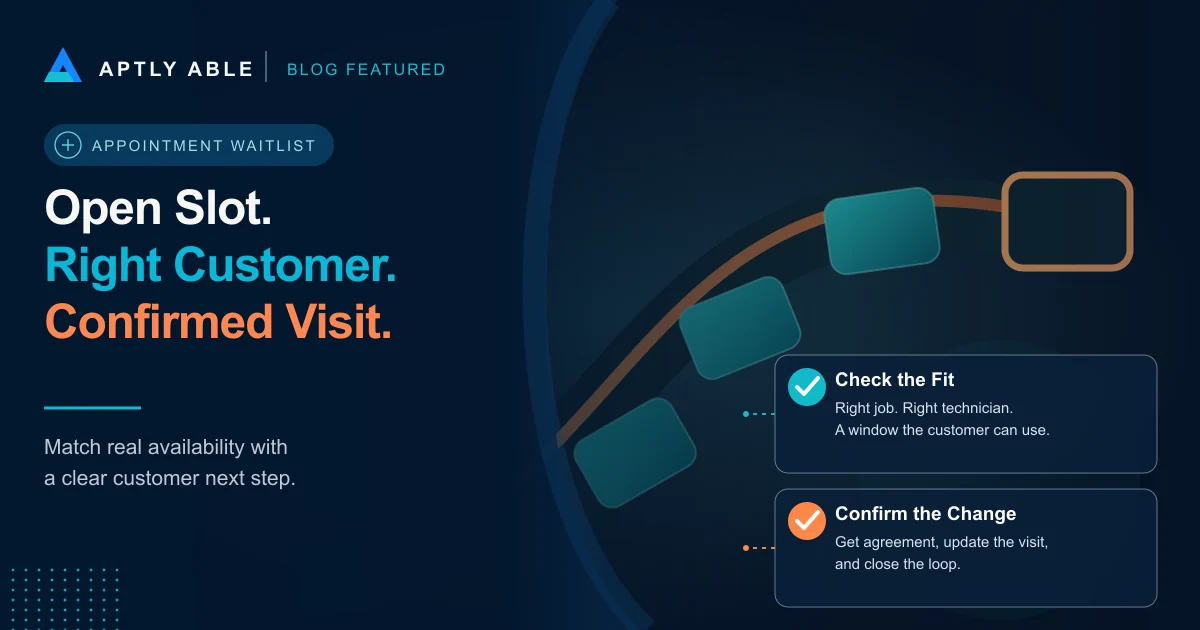
An empty rectangle on the board is the beginning of the check, not the end. Ask dispatch whether the available technician can perform the work, whether the duration fits, and whether travel, access, or required parts make the visit impractical.
Your software settings matter here. ServiceTitan documents two Custom Capacity approaches: technician availability or an explicit appointment count per time slot.[2] Its technician-based mode compares jobs already assigned to qualified technicians with the number of qualified technicians in the slot.[2] Do not assume a slot configured by appointment count has passed the same technician check.
Use those details as an example, not a claim that every system has the same controls. Ask the person responsible for your scheduling setup what actually determines availability, and check the operating board before making an offer.
Choose among suitable customers using a documented rule, such as request order after job fit and established service priorities are satisfied. Do not have representatives improvise urgency or move safety-related requests into an ordinary standby queue. Follow your existing escalation process for those calls.
Offer One Clear Next Step
Here is an example after dispatch has checked the opening: You asked us to let you know about an earlier visit. We currently have an opening tomorrow afternoon for the service we discussed. Would that work for you? I can check and confirm the change while we are talking.
If the customer says yes, recheck availability, update the appointment, and repeat the agreed arrival window and access details. If the customer says no, ask whether their original standby preferences still apply. A declined time does not necessarily mean they no longer want the service.
If there is no answer, record the attempt and follow your approved contact plan. Avoid telling several customers that the same appointment is theirs. If your team uses temporary holds, define who can create one, when it expires, and how other schedulers see it. Otherwise, make clear that availability must be confirmed when the customer responds.
Give replies a staffed owner. Sending an offer just before the responsible person leaves, with nobody assigned to handle the response, does not complete the task.
Close the Loop on Both the Visit and the List
Once a customer accepts, make sure the operating record reflects the agreed visit and the previous appointment has been handled correctly. Check for an accidental duplicate. Confirm that dispatch and the technician will see the current instructions, not just a note in a separate spreadsheet.
ServiceTitan's appointment documentation describes editing the date, time, duration, technician, and special instructions, with an option to send a booking confirmation when customer notifications are enabled.[1] It separately describes marking an appointment confirmed after customer confirmation.[1] That distinction is useful: sending a message and receiving agreement are different events.
Remove or update the fulfilled waitlist request. If the customer still needs something else, record that as a specific remaining request rather than leaving an ambiguous active entry. Review expired requests and customers whose circumstances have changed before the next round of offers.
CallSense can support the conversation-review side of this process: look for requests for an earlier visit and promises to call back. Keep the actual scheduling decision with the people and systems responsible for current capacity. A call insight is not a reservation.
Count Confirmed Work, Not Waitlist Activity
Track eligible openings, suitable customers contacted, accepted offers, confirmed appointment changes, and completed visits separately. Record why an opening stayed empty: no suitable job, insufficient notice, no response, or an internal scheduling constraint. Those reasons tell the team what to adjust.
Be careful with the revenue label. Moving an already-booked customer from next week to tomorrow is not automatically a new sale. It may improve the schedule, but it also creates a later opening. Follow that change through before describing it as incremental recovered revenue.
Start with the next genuine opening. Give one scheduler the checked slot, the suitable customer list, and responsibility for the response. Ask them to show the confirmed result, not just the number of calls made.
The goal is straightforward: when a customer asks to hear about an opening, your team knows whom to call, what it can offer, and how to finish the booking.
HVAC Appointment Waitlist FAQs
What is an HVAC appointment waitlist?
It is a list of customers who have requested contact about a suitable opening. Record their service need, availability, notice requirement, contact preference, and scheduling owner. Joining the list does not reserve an appointment.
Should a customer keep their existing booking while waiting for an earlier slot?
Yes. Keep the original appointment until the customer agrees to a verified replacement. Then update the scheduling record and check that the change has not created a duplicate visit.
Who should get the first call when an appointment opens?
First check job fit, technician capability, travel, duration, and established service priorities. Among suitable customers, use a documented rule such as request order rather than an improvised preference.
What should happen when a waitlisted customer does not answer?
Record the attempt, follow the approved contact plan, and keep a named owner for replies. Do not promise the same appointment to multiple people; recheck availability before confirming a late response.
Does filling a cancellation count as recovered revenue?
Not automatically. Report the confirmed booking and completed work separately. Moving an existing appointment earlier is not itself a new sale, and the later opening should remain visible in the capacity review.
Recommended next reads
Related Aptly Able resources
- CallSense Find customer requests and promised next steps in phone conversations.
- HVAC Cancelled Appointment Recovery Use a separate conversation to recover the customer who cancelled.
- HVAC Dispatch Handoff Checklist Carry confirmed job details from the office to the technician.
- Revenue Recovery Audit Review where existing customer interest loses its next step.
Helpful external reading
- [1] ServiceTitan: Manage Appointments Primary documentation on editing appointments, sending booking confirmations, and marking customer confirmation.
- [2] ServiceTitan: Custom Capacity Primary documentation distinguishing appointment-count capacity from technician-based availability.