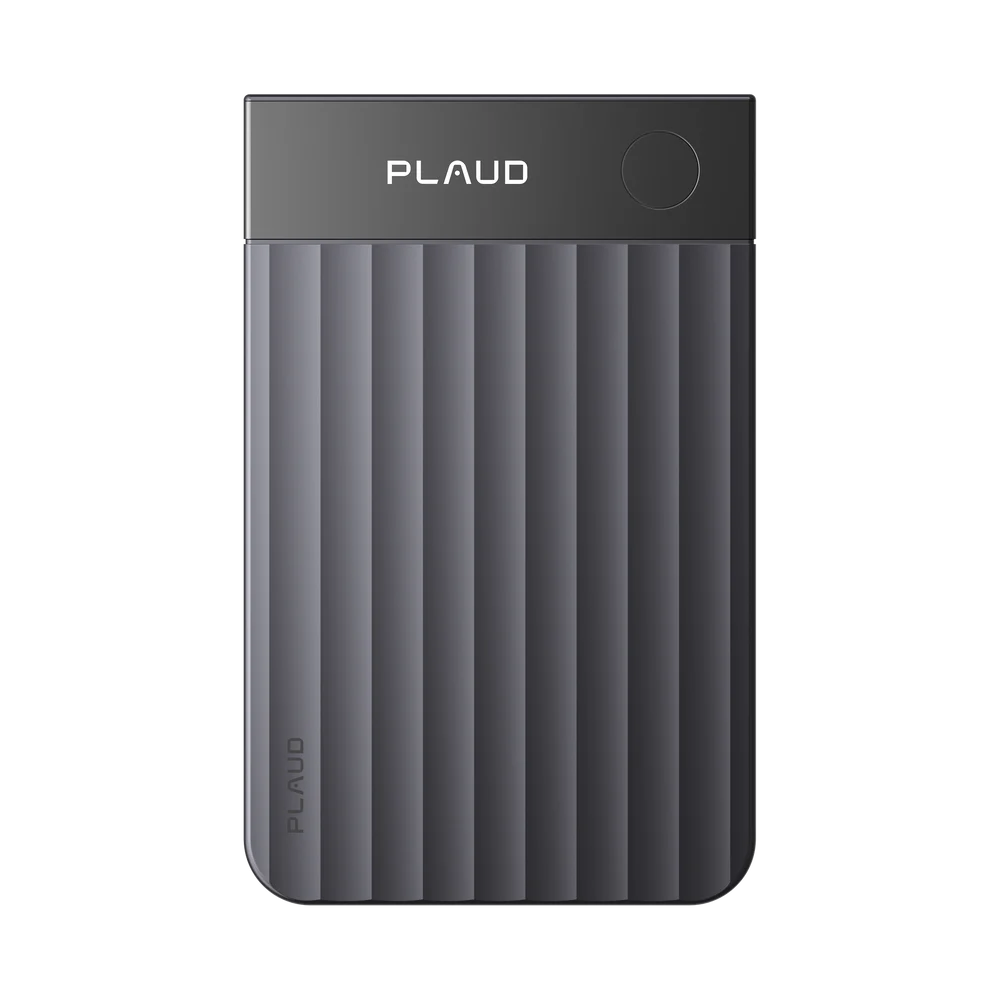
Manufactured by Plaud
Plaud Note Pro
A credit-card-size recorder with an on-device screen, designed for easy everyday carry between appointments.
View Plaud Note Pro at Plaud (opens Plaud's website)
 An Aptly Able app
FieldSense connects supported Plaud recording hardware with an Aptly Able iOS workflow. Review device readiness, upload selected recordings for transcript processing, and open the resulting conversation record from one mobile app.
Contact us about FieldSense access for your team.
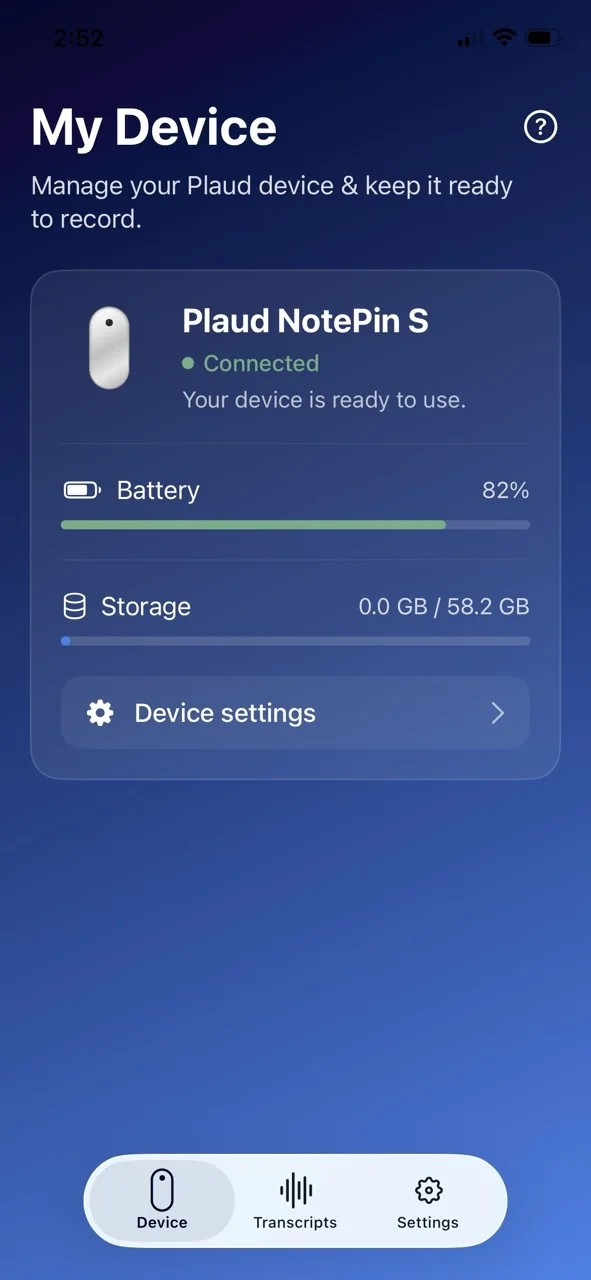
Plaud manufactures the recording devices. Aptly Able builds and supports the FieldSense app experience shown on this page. Choose a compact recorder for everyday carry or a wearable option for hands-free field conversations.
A credit-card-size recorder with an on-device screen, designed for easy everyday carry between appointments.
View Plaud Note Pro at Plaud (opens Plaud's website)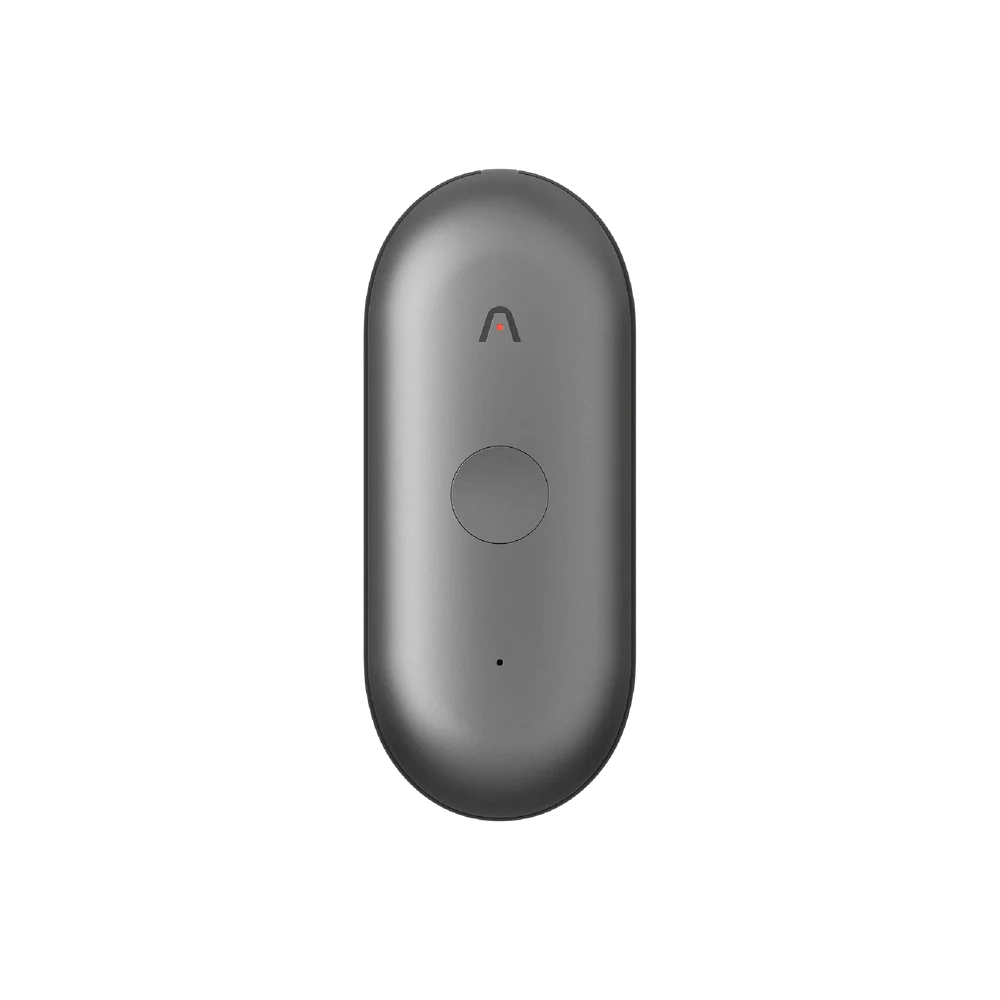
A wearable recorder with a physical recording button, keeping your hands free during in-person conversations.
View Plaud NotePin S at Plaud (opens Plaud's website)Plaud is a third-party hardware and transcription provider. A Plaud purchase or consumer subscription does not, by itself, grant FieldSense access.
Keep field conversations organized and ready to review. Connect your recorder, manage uploads, and revisit what was said—so your team can follow through with better context.
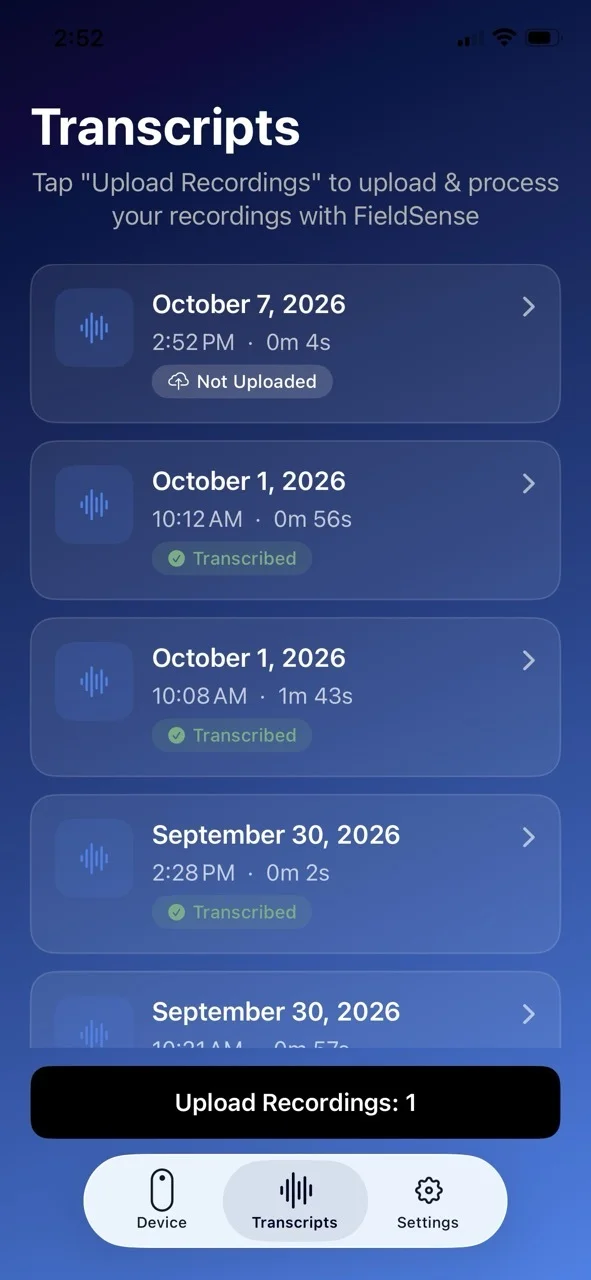
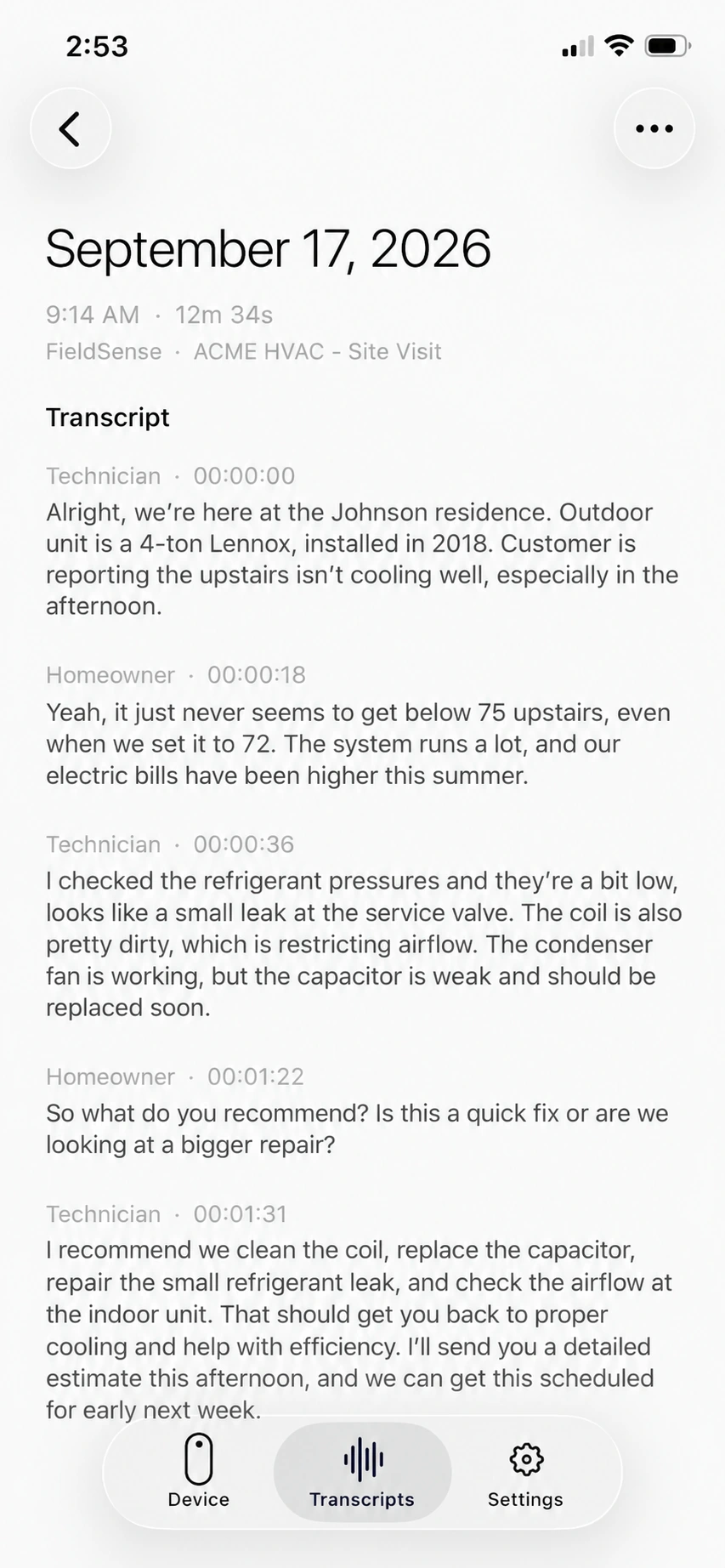
From the customer visit to the next coaching conversation, give your team a clear record to work from. Choose which recordings to upload, then review the transcript for recommendations, questions, and next steps.
Pair supported Plaud hardware and check its status in FieldSense.
See available recordings and choose the audio you are authorized to process.
Uploaded audio is processed through Plaud, and the resulting transcript and meeting record are available through Aptly Able's connected services.
Users are responsible for obtaining any notices, permissions, or consent required before recording or uploading a conversation. FieldSense uses third-party and Aptly Able services as described in the app privacy policy.